







FNF Vs. Suicide Mouse V2 is a Friday Night Funkin mod that turns a dark internet legend into a rhythm battle. In the mod, Boyfriend runs into Mickey Mouse on a night out—but this Mickey is deeply sad and has been that way for a long time. Boyfriend suggests a rap battle to cheer him up, and the two face off in a series of songs that move from melancholy to energetic. The premise is inspired by the eerie “Suicide Mouse” tale, often associated with YouTuber Nec1’s “Suicide Mouse – Unseen Freaky Footage,” but the mod itself focuses on the music and the duel: you play as Boyfriend, hitting arrow notes in time with the beat while Mickey sings (and sometimes raps) on the other side. The result is a memorable FNF experience that stands out for its theme and its emotional range across the tracks.
FNF Vs. Suicide Mouse V2
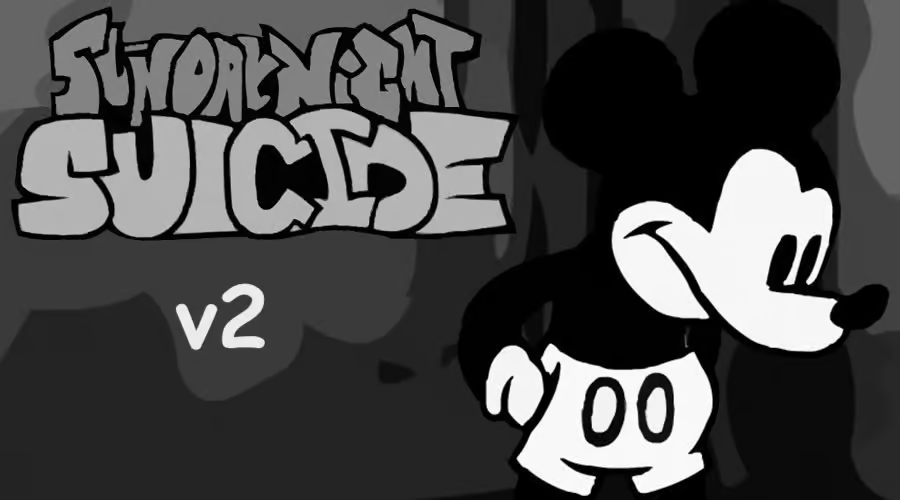
FNF Vs. Suicide Mouse V2 is a Friday Night Funkin mod that pits Boyfriend against a very downhearted Mickey Mouse in a series of rhythm duels. The idea is simple: Mickey has been feeling low for a long time, and Boyfriend suggests a rap battle to lift his spirits. What follows is a sing-off across several tracks—from a sombre opener to faster, more upbeat tunes—as Mickey pours out his emotions and gradually shows a different side. The mod draws inspiration from the eerie “Suicide Mouse” story (often linked to YouTuber Nec1’s “Suicide Mouse – Unseen Freaky Footage”), but here the tone is channelled into a classic FNF experience: you hit arrow notes in time with the music and try to keep up with Mickey’s verses.
In the story, you are out one night with your girlfriend when a familiar rodent bumps into you—it’s Mickey Mouse himself, though he seems gloomier than usual. You offer him a song to cheer him up, not knowing how far that will go. The first track, Unhappy, sets the mood as Mickey vents his feelings while Boyfriend holds his ground. Clear it and you move on to Happy, a livelier and quicker song where Mickey gets to show off his singing. The V2 update adds Really Happy for story mode and Smile for Freeplay, giving you more to play and master. You can enjoy FNF Vs. Suicide Mouse V2 here in your browser.
How to Play FNF Vs. Suicide Mouse V2
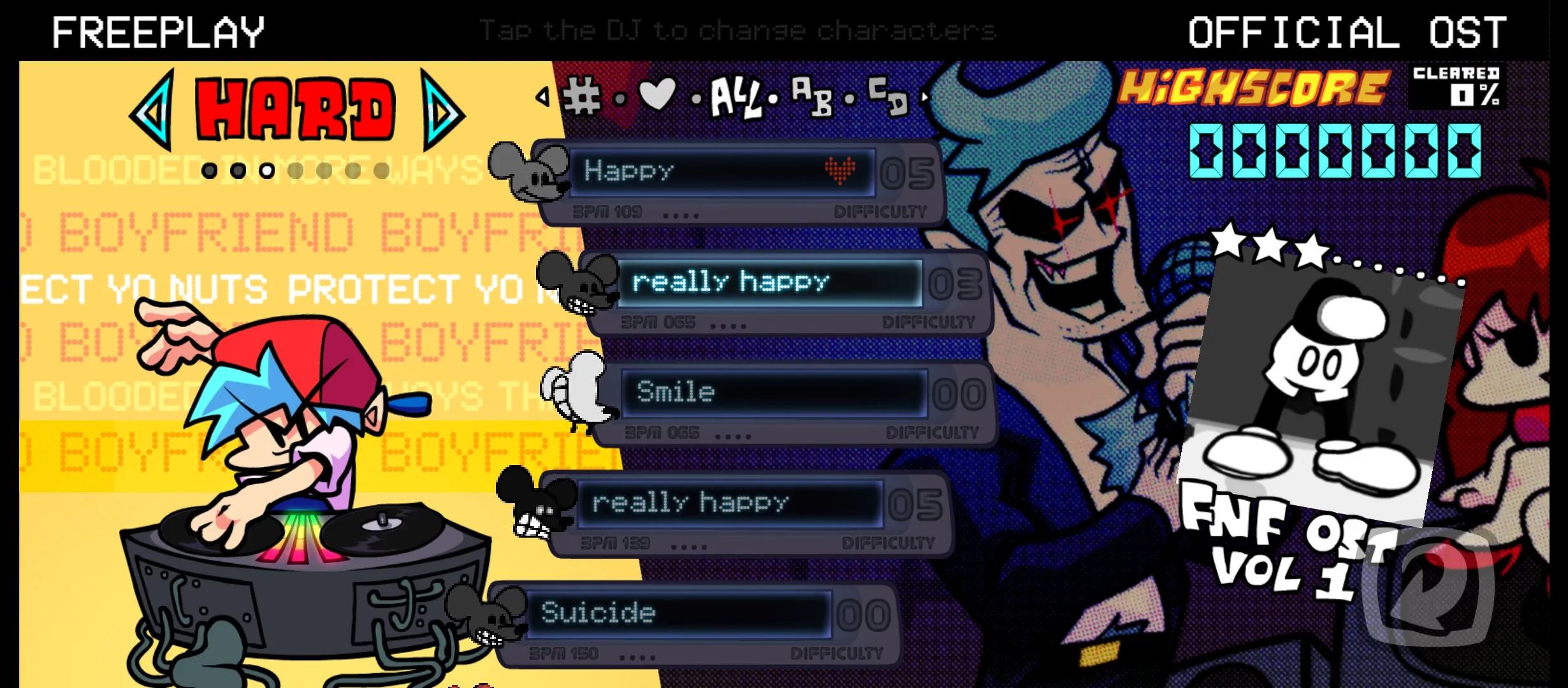
1. Follow the arrow notes
Arrow notes scroll up the screen in time with the music. Press the matching arrow key when each note reaches the judgment line at the top. FNF Vs. Suicide Mouse V2 uses the same rhythm gameplay as Friday Night Funkin—watch the beat and stay alert as the songs shift from slow and emotional to fast and upbeat.
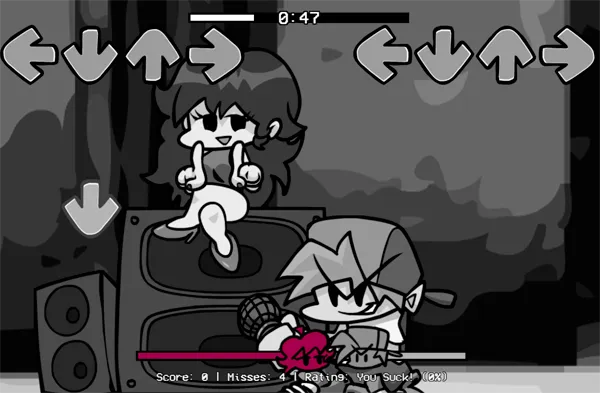
2. Use the arrow keys or WASD
3. Try Easy mode or Freeplay
FNF Vs. Suicide Mouse V2 can feel challenging on higher difficulties. Use Easy mode if you want to enjoy the story and music without too much pressure. Smile and other tracks are available in Freeplay so you can practice and replay without running the full story.
What Is FNF Vs. Suicide Mouse V2
The Story and the Songs
One night you are out with your girlfriend when a certain rodent bumps into you—and it turns out to be Mickey Mouse. He seems more down than usual. You offer him a song to lift his spirits, not realising how far that will take you. The first song, Unhappy, sets the tone: Mickey pours out his emotions while Boyfriend stays calm and keeps the rhythm. Once you clear it, you move on to Happy—a vivacious, swift-paced track (nothing to do with Pharrell Williams’ hit) where Mickey really shows off his singing. The V2 update adds two new official songs: Really Happy for story mode and Smile for Freeplay. Together, the four tracks give the mod a clear emotional arc and plenty of replay value. If you enjoy the music, you can find the full OST on YouTube and support the creators there and on other social platforms.
Gameplay and Controls
FNF Vs. Suicide Mouse V2 uses the same core gameplay as Friday Night Funkin. Arrow notes scroll up the screen in time with the music, and you press the matching key when each note reaches the judgment line. You can use the arrow keys (← ↑ ↓ →) or WASD—whichever you prefer. Enter or Space starts or pauses the song. Keeping your timing sharp helps your score and your health bar; missing too many notes or breaking your combo will cause you to fail. The mod can feel a bit difficult on higher settings, so many players use Easy mode to enjoy the story and music first. On mobile or tablet, tap the on-screen arrow buttons in time with the notes. The goal is the same as in any FNF mod: win the rap battle, impress your girlfriend and her dad, and have fun with the rhythm.
The V2 Update and Credits
The V2 update to FNF Vs. Suicide Mouse adds Really Happy to the story and Smile to Freeplay, so you get more content and more to master. The mod was brought to life by MayMays4Days (director, coder, and composer), sonicboiforlife (animator and cutscene asset provider), and the Friday Night Funkin engine by Shadow Mario. If you had fun and want to stay up to date, support the creators on their social media—subscribe, follow, like. This web-optimised port exists so that players who cannot run the EXE on a potato PC, Chromebook, Mac, or Linux can still enjoy FNF Vs. Suicide Mouse V2 in the browser.
Tips for Playing FNF Vs. Suicide Mouse V2
- Start on Easy: The mod can be challenging. Use Easy mode to learn the patterns and enjoy the story and music before stepping up the difficulty.
- Match the beat: Notes are synced to the music. Use the rhythm to anticipate when each note will hit the judgment line—accuracy matters more than speed.
- Use Enter or Space: You can pause at any time. If a section feels overwhelming, pause and resume when you are ready.
- Practice in Freeplay: Smile and other tracks are available in Freeplay. Replay them to learn the patterns without the pressure of a full story run.
- Keep combos: Landing combos consistently keeps your health bar up and gives you a buffer for the faster parts in Happy and Really Happy.